
Nano Banana 3
Next-gen editor rolling out soon: faster generation, style transfer, clean text rendering, hyper-realistic output.
I opened nanobanana.io and landed on yellow-accent editing copy, a credit sign-in ribbon, and six homepage stills tagged “Generated by Nano Banana AI.” The /models grid splits Image Models from Video Models — I stayed on the four Nano Banana-named editors because that is what this brand actually ships today.
I did not log in or spend credits. Mapping the composer tabs, saving official showcase files, and reading how Nano Banana 3 frames itself as “rolling out soon” was enough for one sitting. Nano Banana notes is a notebook from that visit, not a mirror of their homepage.
What it is
Nano Banana is a next-generation AI image editor that lets you edit and enhance photos with natural language prompts. The marketing line on nanobanana.io emphasizes precise transformations, consistent characters, and seamless visual quality — language that matches the case gallery I saved below, not generic “AI art” filler.
The product presents two composer paths on every model page I checked: Image Edit with a required upload, and Text To Image when you start from words alone. Prompt boxes cap at 5,000 characters, aspect ratio defaults to Auto, and output count is selectable — small UI details, but they tell you this is a production editor, not a one-shot demo toy.
Third-party models share the same hub. Seedream, GPT Image, GLM Image, and a long Video Models list live beside the Nano Banana line. I kept this catalog vendor-pure: four Nano Banana editors only. For the live studio, credits, and sign-in, use the official Nano Banana website — that is where billing and generation actually happen.
One thing that surprised me: Nano Banana 3’s page still defaults the composer chip to Nano Banana 2 while telling you to “start creating with Nano Banana 2 now while you wait.” That is honest staging copy, and I appreciate not having to guess which build is live.
Workflow
Three steps copied from the homepage “How It Works” block, rewritten after I clicked through the composer shells.
Image Edit mode accepts JPG, PNG, or WEBP. Drag-and-drop or click — the UI keeps original quality language upfront, which matters if you are retouching client stills.
Write a plain prompt — replace a background, fix wardrobe, shift style. The site claims “one-shot editing,” which I have not verified with credits, but the case gallery suggests they expect single-pass success.
Output number and aspect ratio sit beside the prompt. I would lock ratio before batch runs; Auto is fine for exploration, less fine for ad specs.
Official assets
Every file below is from cdn.nanobanana.io marketing or demo folders — not stock filler. Eight cards because eight files downloaded cleanly; I did not pad the grid with placeholders.
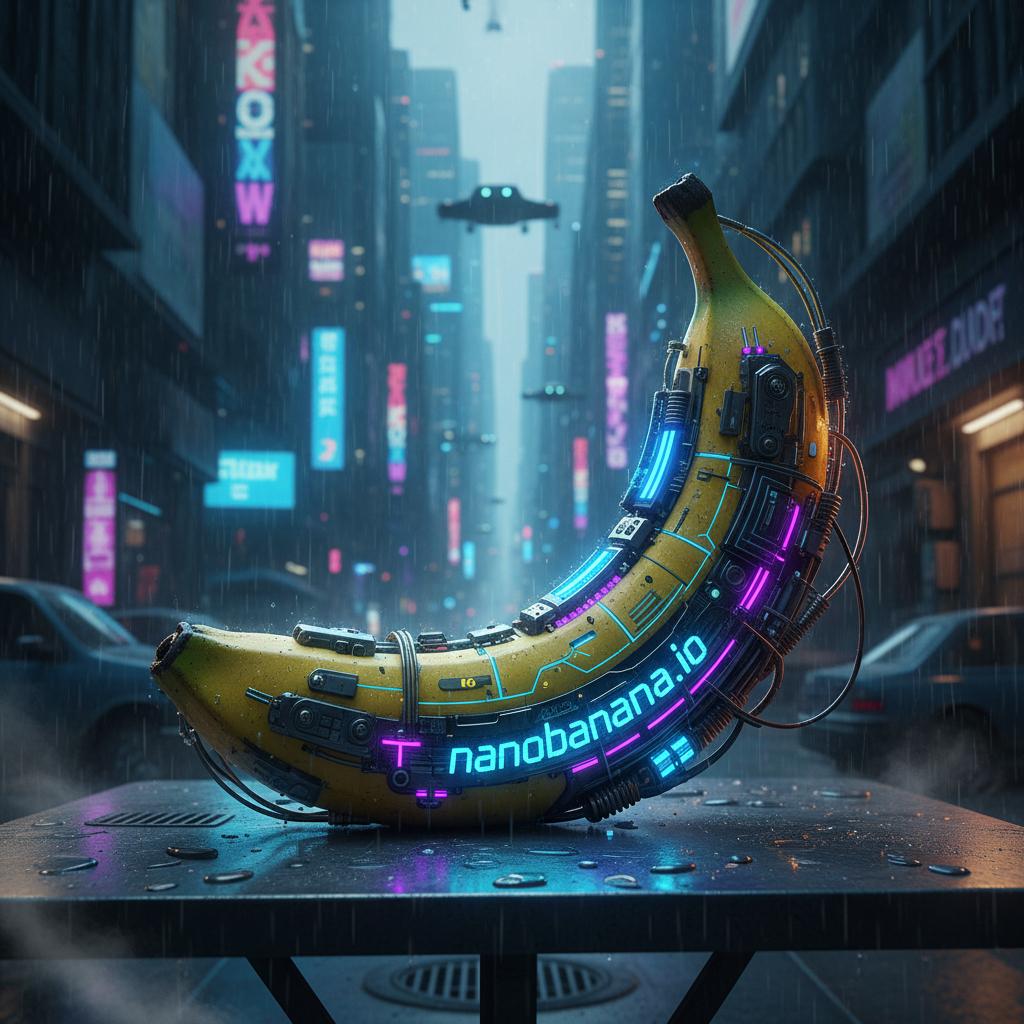
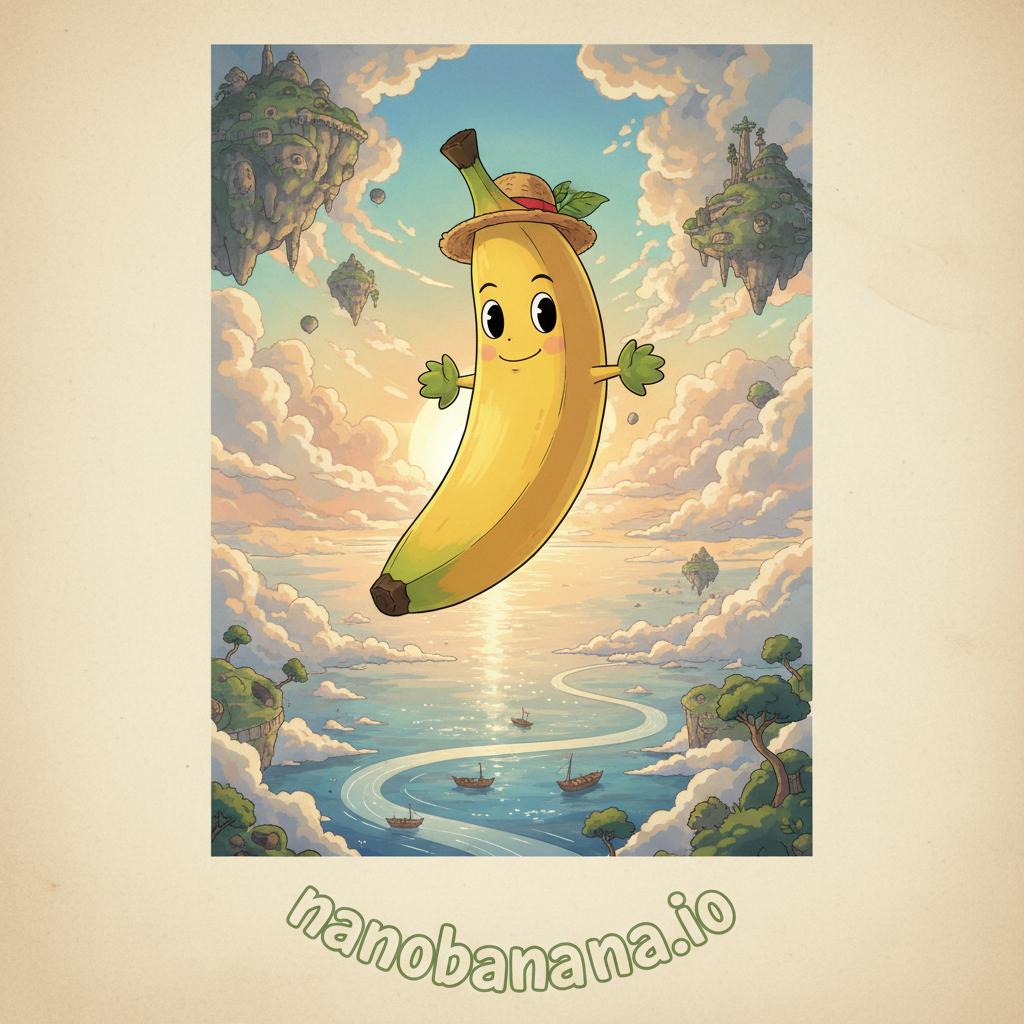
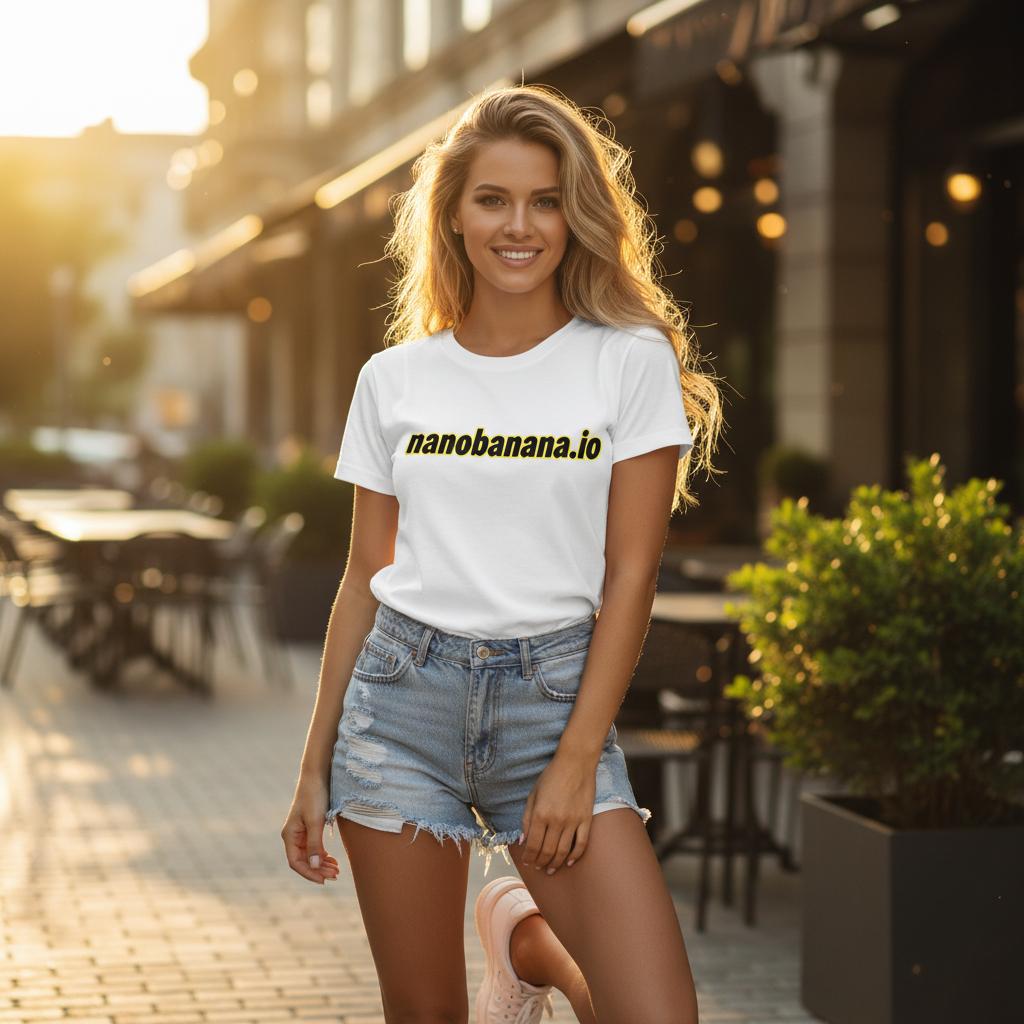
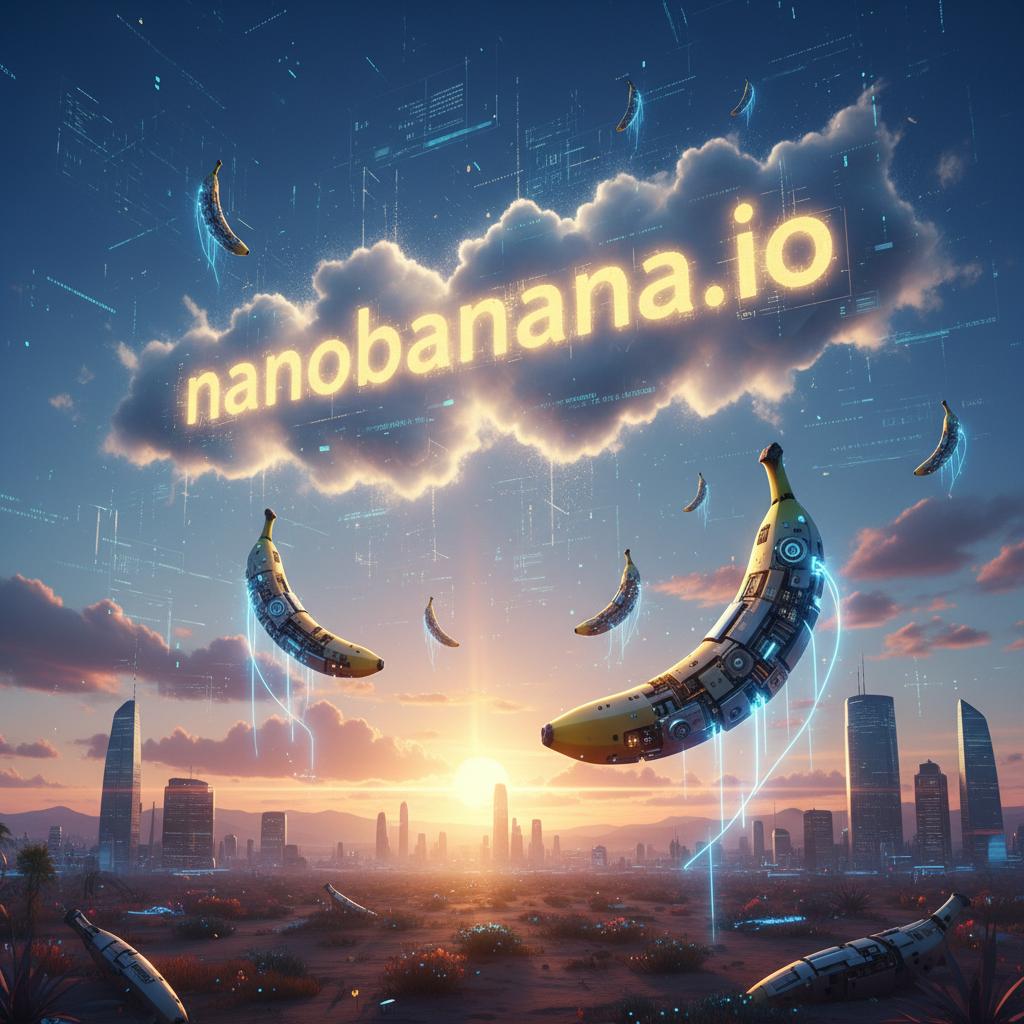

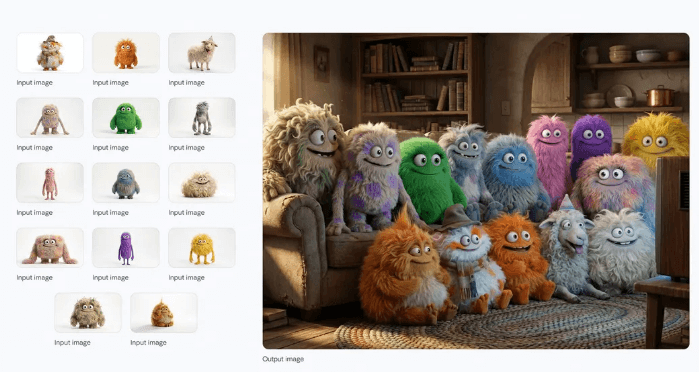
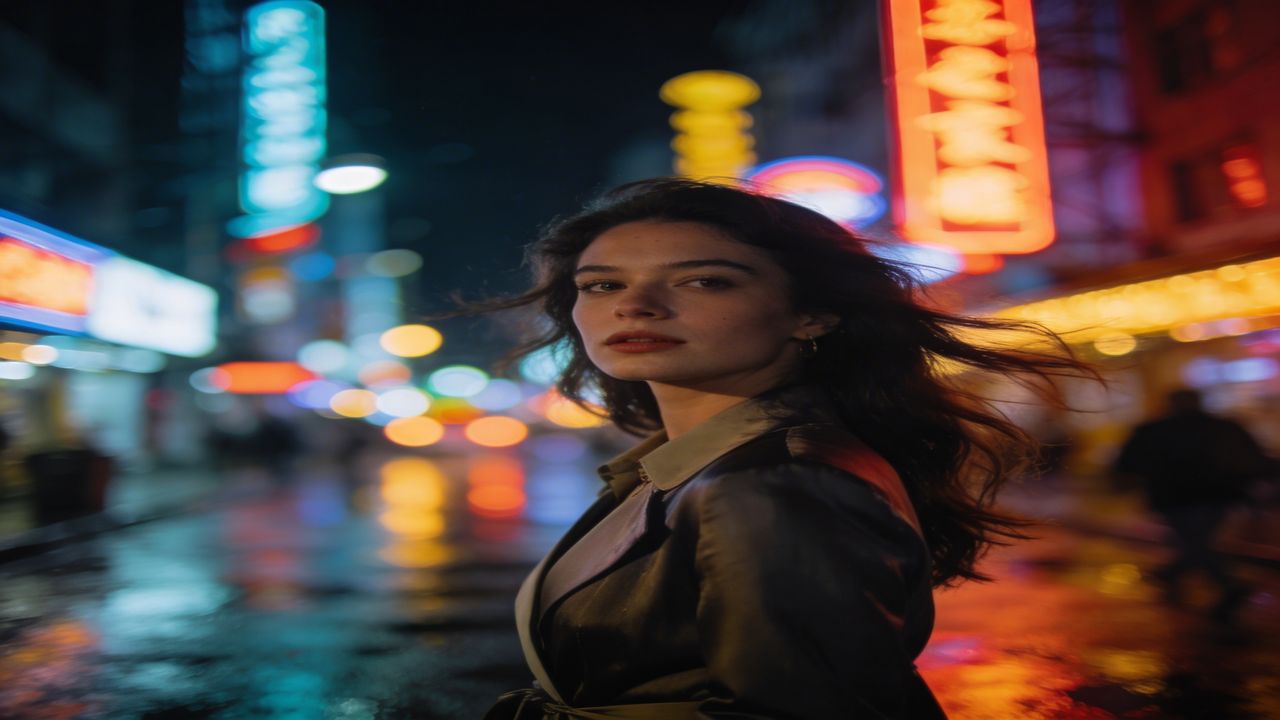
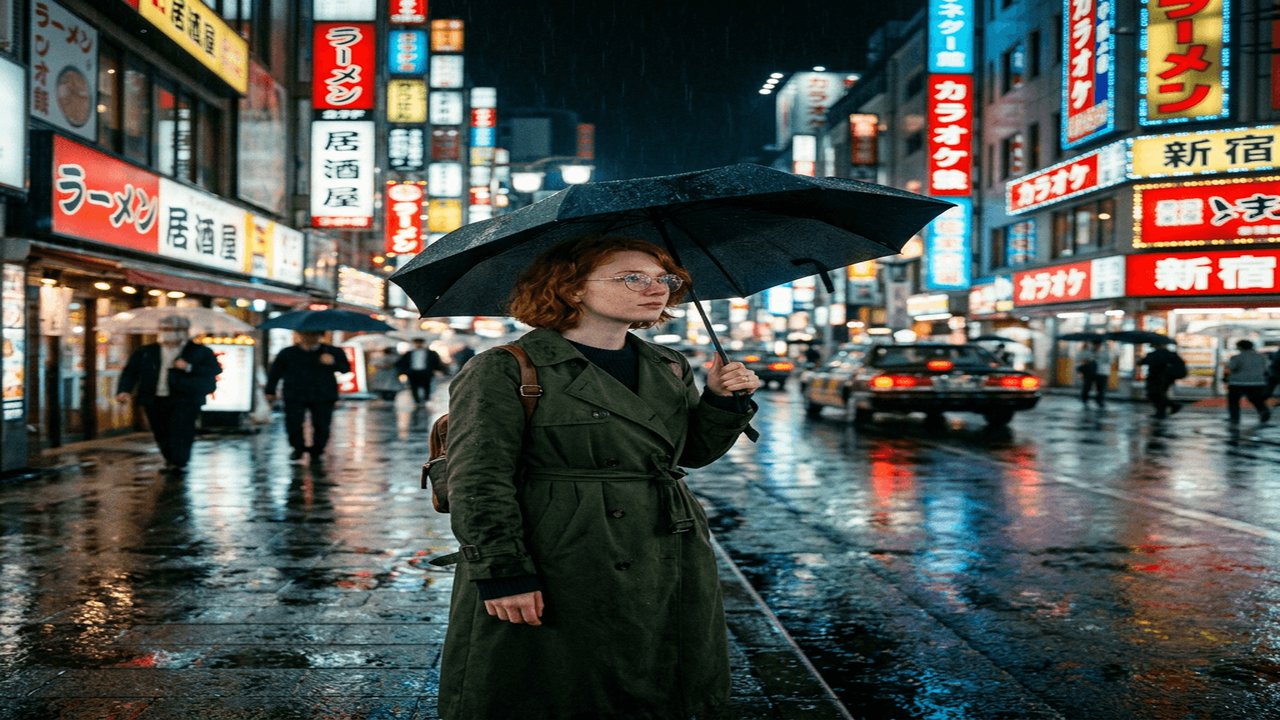
Primary buttons here open a local dialog. The studio itself — credits, sign-in, and generation — sits on nanobanana.io.
Fit
Multi-image workflow language and character consistency map well to avatar series and campaign stills — if the Pro tier holds faces across edits.
Scene preservation copy targets people who need lighting and perspective to survive a prompt, not full scene regeneration.
Natural-language editing lowers the tool barrier; the FAQ on the official site explicitly welcomes non-experts.
Scenarios
Keep faces and outfits stable across multiple edits — the feature Nano Banana markets hardest.
Change details without flattening perspective, lighting, or background structure.
Plain-English instructions instead of mask tools — useful for quick retouch passes.
Batch-friendly editing when a campaign needs the same look across several uploads.
Why it stands out
Marketing stresses accurate text interpretation for both subtle retouches and full scene reimagining — the case gallery is their proof set.
Identity hold across passes is the differentiator they cite against generic editors; worth validating on your own portraits.
Structure, perspective, and lighting should survive edits — if this fails, the product story collapses.
Pro and 2 pages mention production-ready stills; I did not export at max resolution without credits.
Lineup
Newest names first, matching the /models grid order I saw.
Next-gen editor rolling out soon: faster generation, style transfer, clean text rendering, hyper-realistic output.
Next-generation editor with unmatched text rendering, hyper-realistic visuals, and advanced simulations.
Advanced model with superior realism, refined aesthetics, semantic understanding, and text-driven transformation.
Core AI image editor: natural-language prompts, consistent character editing, and scene preservation.
Nano Banana notes is independent. Pricing, credits, and live generation live on the official Nano Banana website. Model names and spelling follow nanobanana.io — not translated or renamed here.
Start with Nano Banana Pro if you need text-in-image stress tests, or Nano Banana 2 for the current default chip.
Questions
Nano Banana is an AI image editor at nanobanana.io. The homepage I opened led with natural-language editing, a sign-in credit banner, and a gallery labeled “Generated by Nano Banana AI.” The /models page lists Image Models and Video Models as separate tabs — this notebook focuses on the four Nano Banana-branded image editors, not third-party video names like Sora or Kling.
Four names I kept from the footer and /models page: Nano Banana 3 (marked New), Nano Banana 2, Nano Banana Pro (Hot badge on the grid), and the base Nano Banana entry. Seedream, GPT Image, and GLM Image live on the same hub but are not Nano Banana products — I left them out of this vendor catalog on purpose.
Every model page I opened showed two modes: Image Edit (upload required) and Text To Image. Image Edit is the character-consistency story — you bring JPG, PNG, or WEBP and describe the change. Text To Image starts from words alone. I did not merge those into one generic page because the composer treats them as separate tabs with the same model chip.
The platform hosts a Video Models tab with Veo, Sora, Kling, and others. Those are not Nano Banana-branded generators. I have not seen a Nano Banana video product on the pages I opened, so this site’s showcase is image-only. If you need clips, the official hub lists them — I just will not pretend they ship from the same model family.
Credits, pricing, and the live composer are on the official Nano Banana website. Primary buttons on this overview open a local dialog, not checkout. I did not sign in for this write-up — the “Sign In to get free Credits” ribbon was visible, but I stopped at the marketing layer.
Nano Banana 3’s page reads as upcoming — it mentions rolling out soon and nudges you toward Nano Banana 2 while you wait. Nano Banana 2’s copy emphasizes text rendering and hyper-realistic output. I have not compared outputs side by side because I did not burn credits; I am mapping what the product pages claim, not running a benchmark.
Reader notes
Five reader impressions about this overview — not official product reviews.
Jordan M.
★★★★★
The character-consistency section matched what I saw in their case gallery — not marketing fluff.
Priya K.
★★★★☆
Short pages, but the model names are spelled exactly like nanobanana.io. That matters when you are fact-checking.
Alex R.
★★★★★
I liked that the author admits not burning credits. Too many AI reviews pretend they ran every tier.
Sam T.
★★★★☆
FAQ answer about third-party video models saved me from assuming Nano Banana ships Sora clips.
Casey L.
★★★★★
Showcase files are clearly from their CDN, not random stock. Small detail, big trust signal.
When you are ready for credits and sign-in, leave this notebook and open nanobanana.io.